

YouTube is block in Pakistan. But most of Pakistani’s want to open YouTube for their needs. Especially for Students and Professionals who use YouTube for their Study and Professional Lives is ultimate place. Today I am going to show how you can open YouTube without using any proxy. Following are some simple steps for opening YouTube.
Update: New Tutorial How to Use Freegate for Unblocking Sites and Download Youtube Videos Created. Which Shows the use of freegate which is the fastest proxy software available in market.
Note: We have tested this tip on PTCL evo. Maybe it will not work on other providers. If not working you can check other methods at end of this post.
First of All Hit Like Buttons Shown Below.
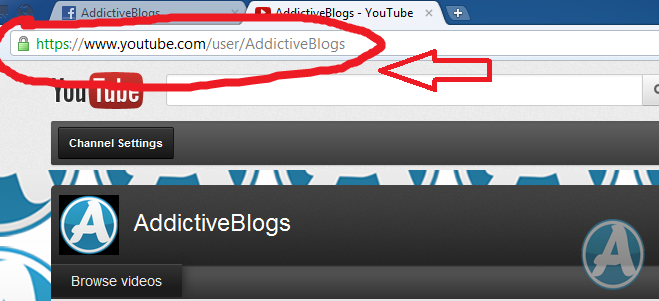
Step 1: Always Open YouTube with secure Link using https:// before every link
Eg. https://www.youtube.com/user/AddictiveBlogs
Step 2: When you open any video first you will get following error image

Step 3: Reload page/tab again and again until you get you see video is playing and Download this video button (Button will appear if you have installed Internet Download Manager and had open link in Firefox)


Step 4: Now you can download YouTube video by clicking Download this video button and selecting quality regarding to your need and internet connection speed and bandwidth.

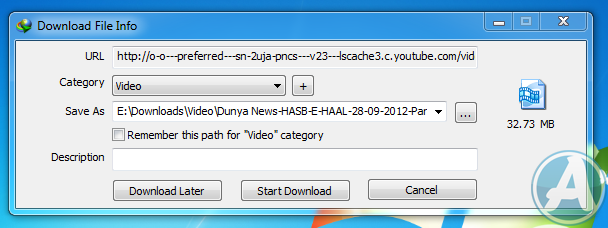
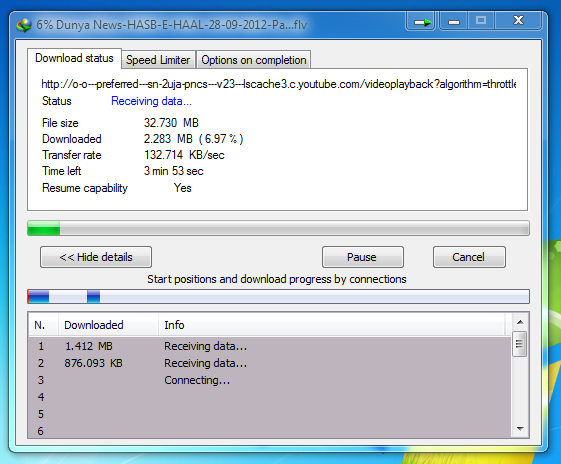
If YouTube is not opening by the mentioned tutorial you can open using some youtube proxy site. Some are given below.
- https://www.vtunnel.com/
- www.unblock-proxy.net
- http://edilly.com/
- http://unblockbypass.com/
- http://www.theproxyfree.com/
- http://bypassthe.net/
- http://www.bypassthat.com/
- http://www.worksurfing.com/
or You Can Use Proxy Software Like Hotspot Shield
If you want to be updated with technologies.
Subscribe our Blog Or Like FB Page Or Follow Us on Twitter







завод металлоконструкций гк спмк рязань